-
Expense tracker categories: add your own in seconds
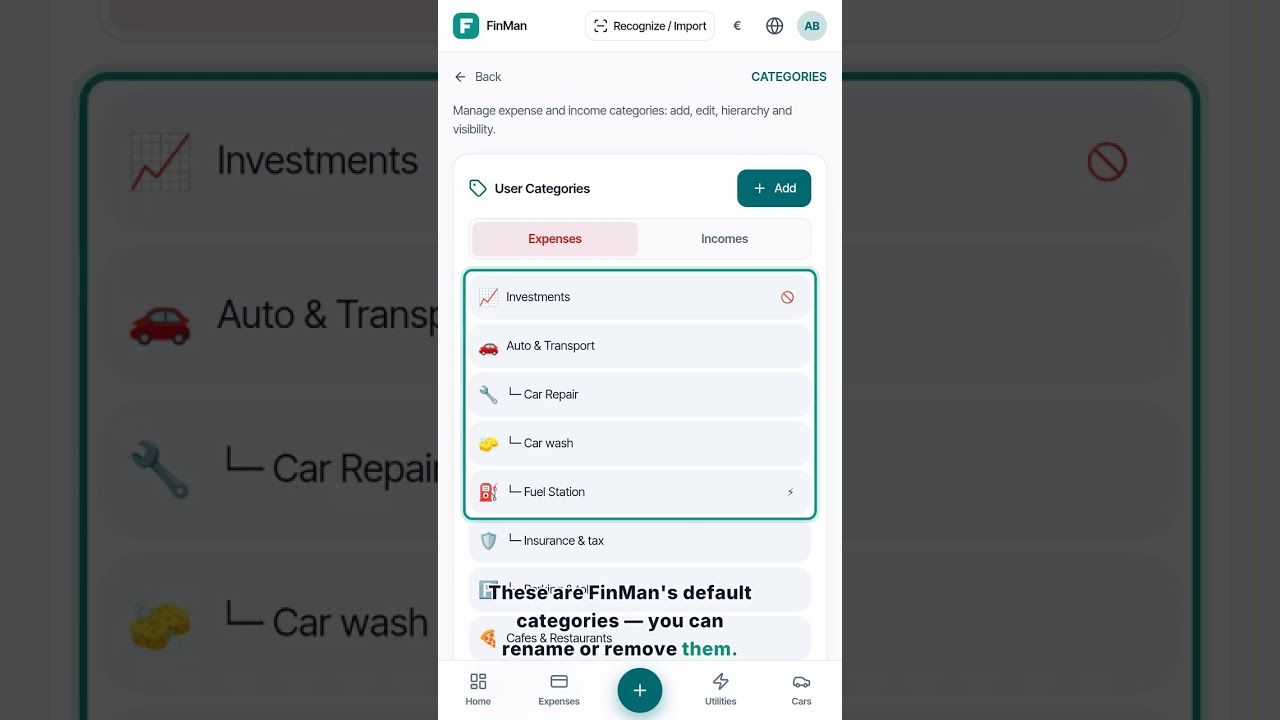
How to add a category
- Tap your profile at the top and choose «Categories».
- Tap «Add», type a name such as «Kids» and pick an icon.
- To make a subcategory, choose the parent category.
- Tap «Add» — the new category is already in the list and in the expense form.
What you get
- FinMan's standard categories can be renamed or removed.
- Income categories live apart, on the «Incomes» tab.
Good to know
- The system category «Other» can't be deleted: everything without a category goes there.