Video guides
Short videos recorded in the real FinMan app, each up to two minutes: how to add meter readings from a photo, import a bank statement, track expenses and more.
Getting started
-
Utility bill tracker app: from sign-up to your first meter reading

Meter readings and utility bills
-
Meter reading app: snap your meter, get usage and the bill
-
Utility bill tracker: read all your meters from photos


Expense and income tracking
-
Expense tracker app: log a cash expense in seconds
-
Income and expense tracker app: log cash income like rent
-
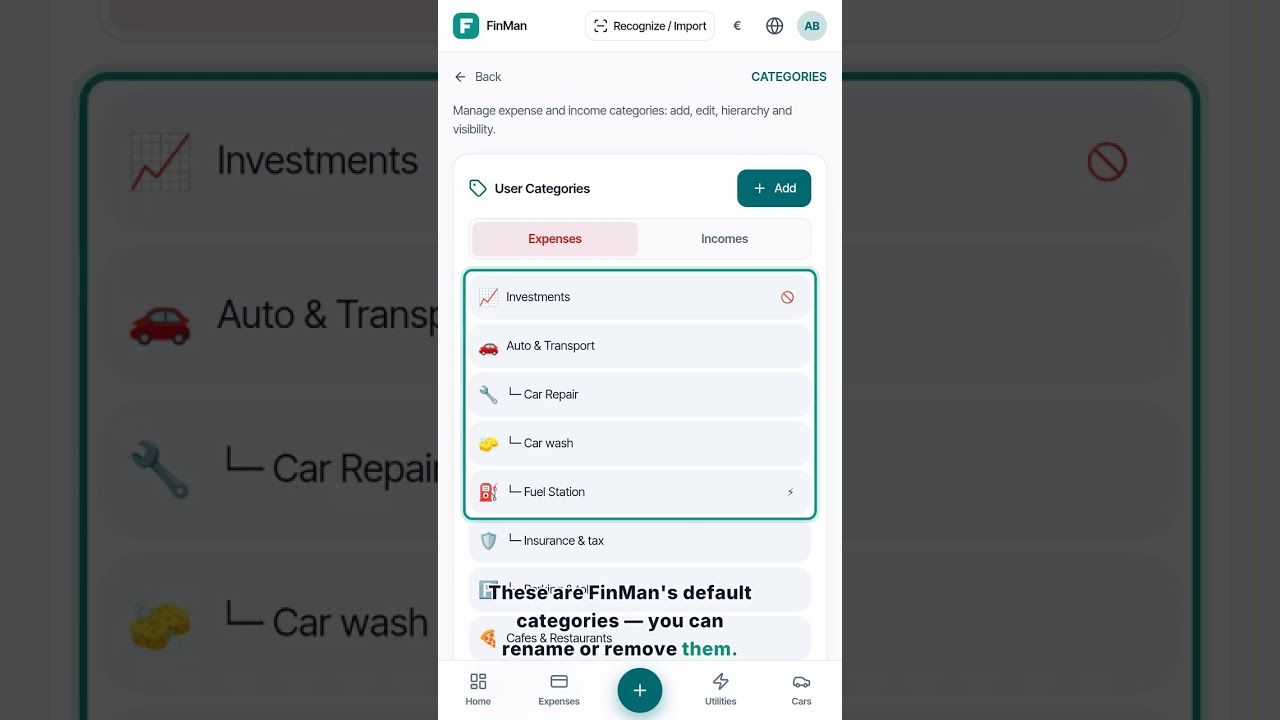
Expense tracker categories: add your own in seconds
-
How to budget your money: keep investments out of your spending
-
Travel expense tracker app: what did your trip really cost?
-
How much do you spend on groceries? Track one category by month




Bank statement import
-
Budget app without linking your bank: import a CSV, Excel or PDF statement

Car: fuel and cost per km
-
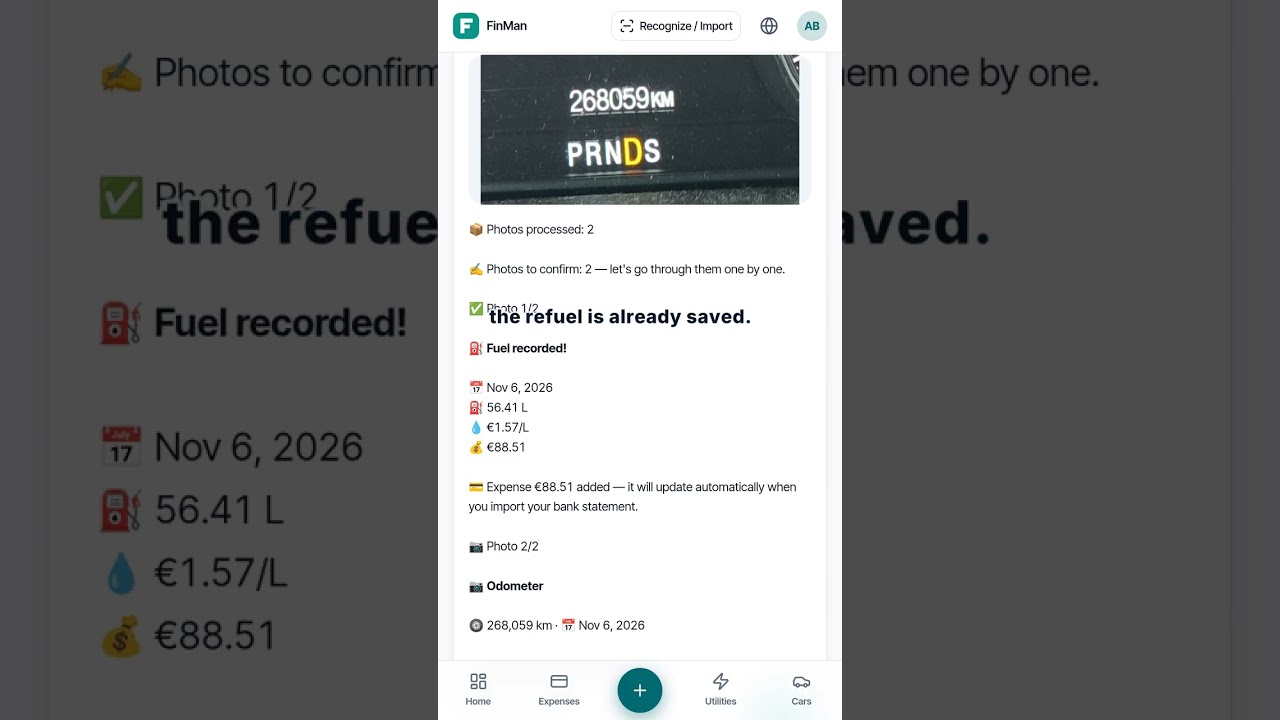
Car expense tracker: fuel consumption and cost per km from a receipt photo
Family and tenants
-
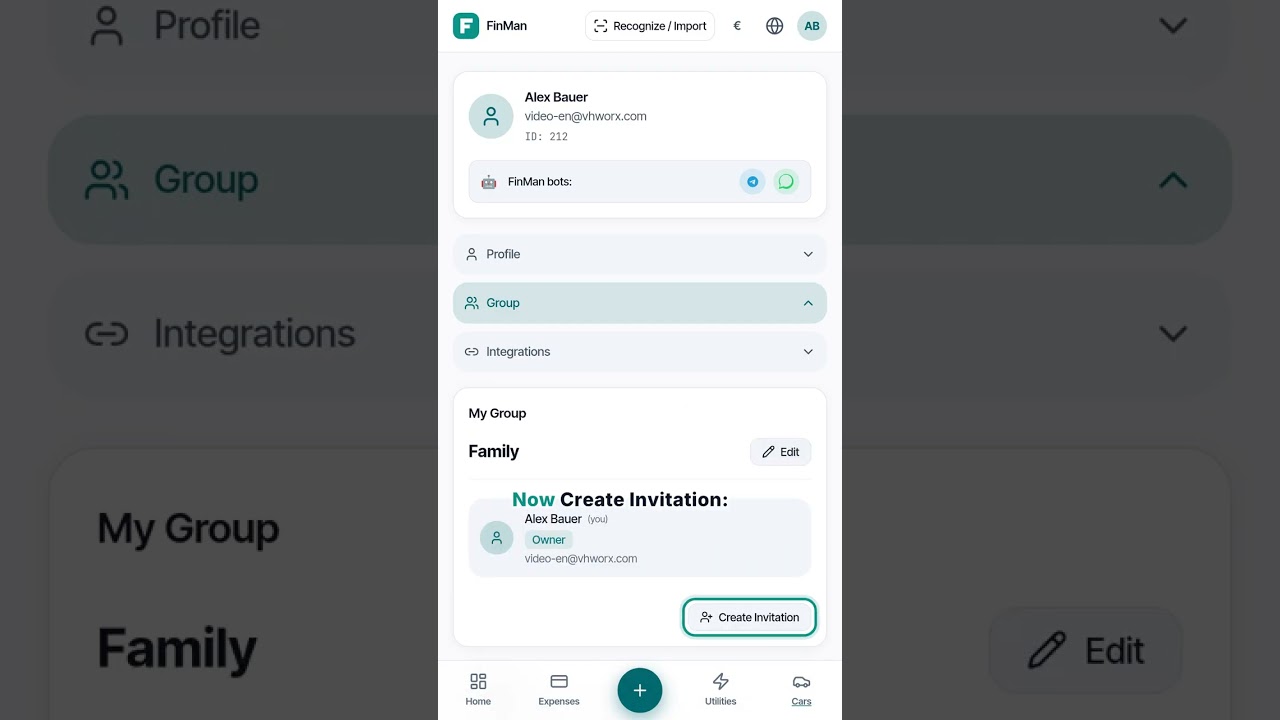
Family budget app: see the whole family's spending in one place
-
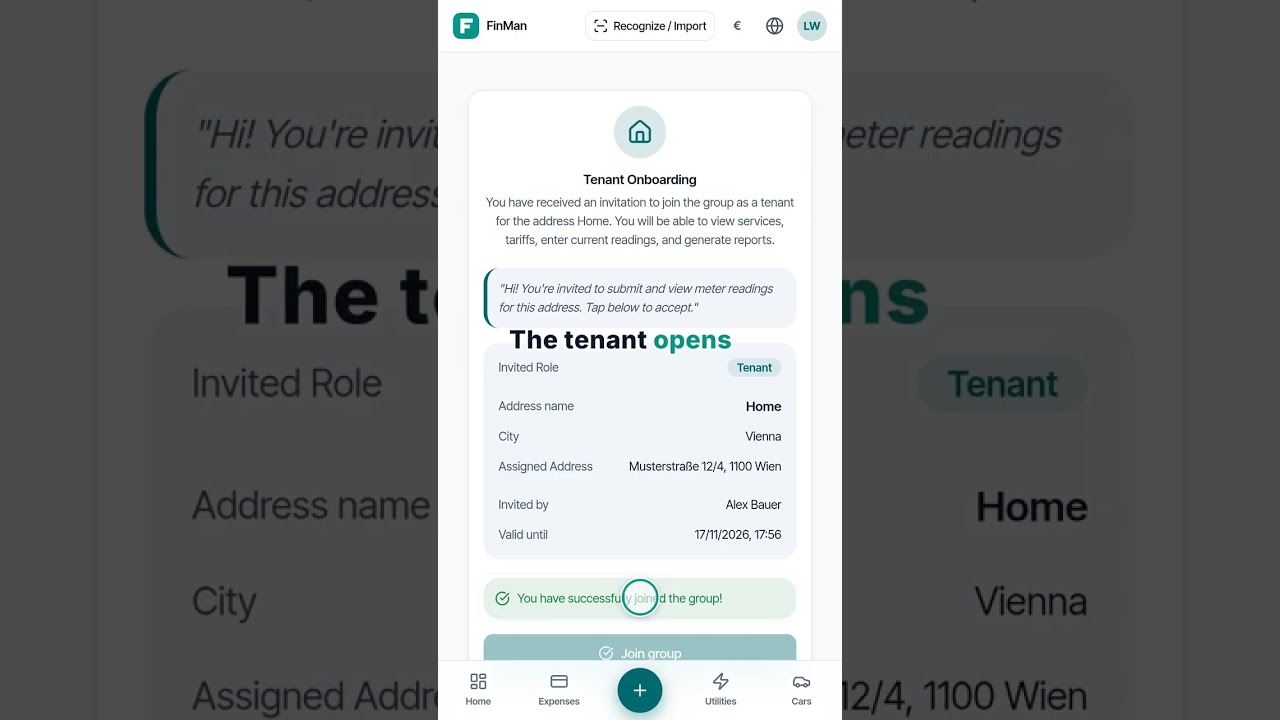
Landlord app: your tenant submits the meter readings, your finances stay private
Start with one statement or one photo
The first import takes a minute, a meter photo ten seconds. From there FinMan keeps the records itself.