Videoanleitungen
Kurze Videos, die in der echten FinMan-App aufgenommen wurden, jeweils bis zu zwei Minuten: wie man Zählerstände von einem Foto hinzufügt, einen Kontoauszug importiert, Ausgaben verfolgt und mehr.
Erste Schritte
-
Utility bill tracker app: from sign-up to your first meter reading

Zählerstände und Nebenkosten
-
Meter reading app: snap your meter, get usage and the bill
-
Utility bill tracker: read all your meters from photos


Ausgaben- und Einnahverfolgung
-
Expense tracker app: log a cash expense in seconds
-
Income and expense tracker app: log cash income like rent
-
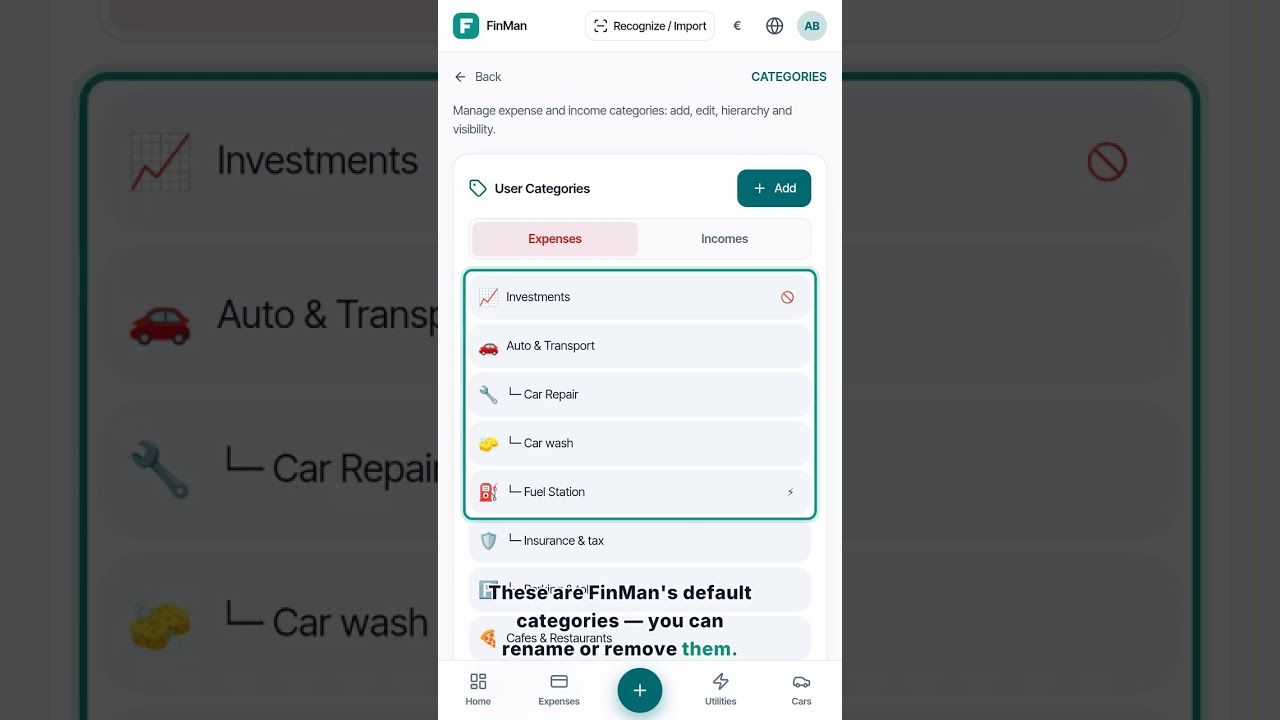
Expense tracker categories: add your own in seconds
-
How to budget your money: keep investments out of your spending
-
Travel expense tracker app: what did your trip really cost?
-
How much do you spend on groceries? Track one category by month




Kontoauszugimport
-
Budget app without linking your bank: import a CSV, Excel or PDF statement

Auto: Kraftstoff und Kosten pro km
-
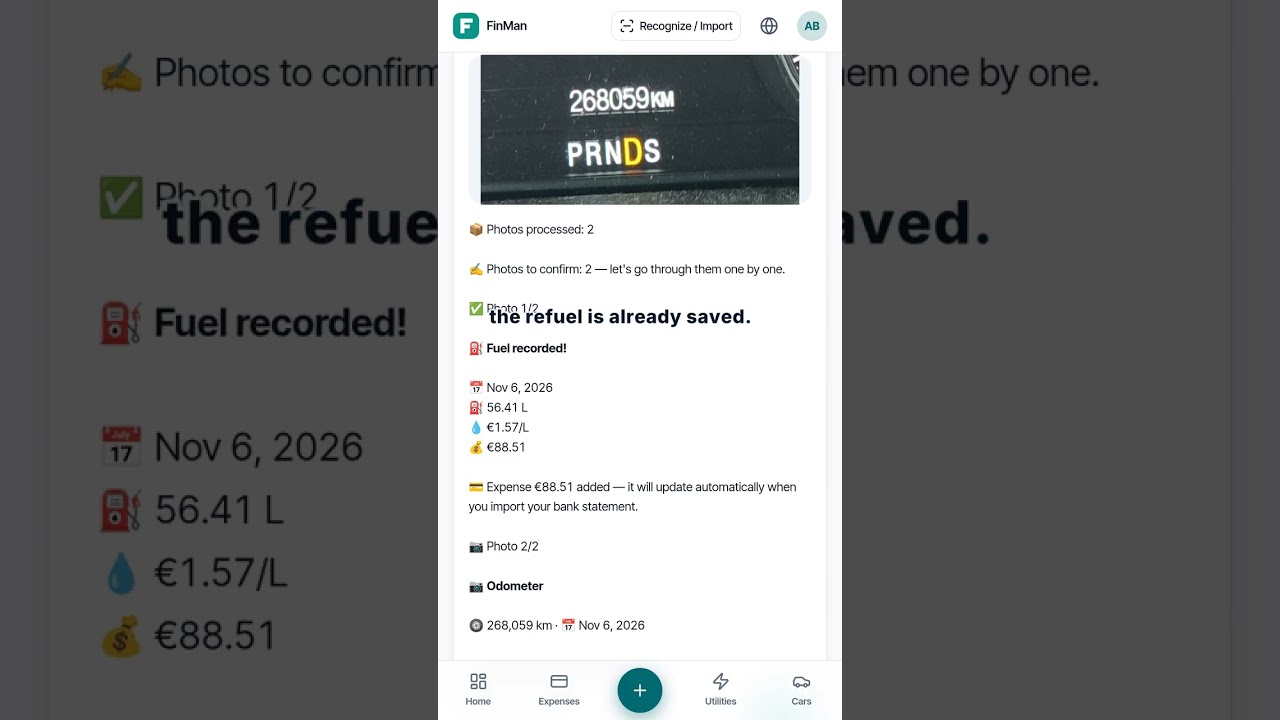
Car expense tracker: fuel consumption and cost per km from a receipt photo
Familie und Mieter
-
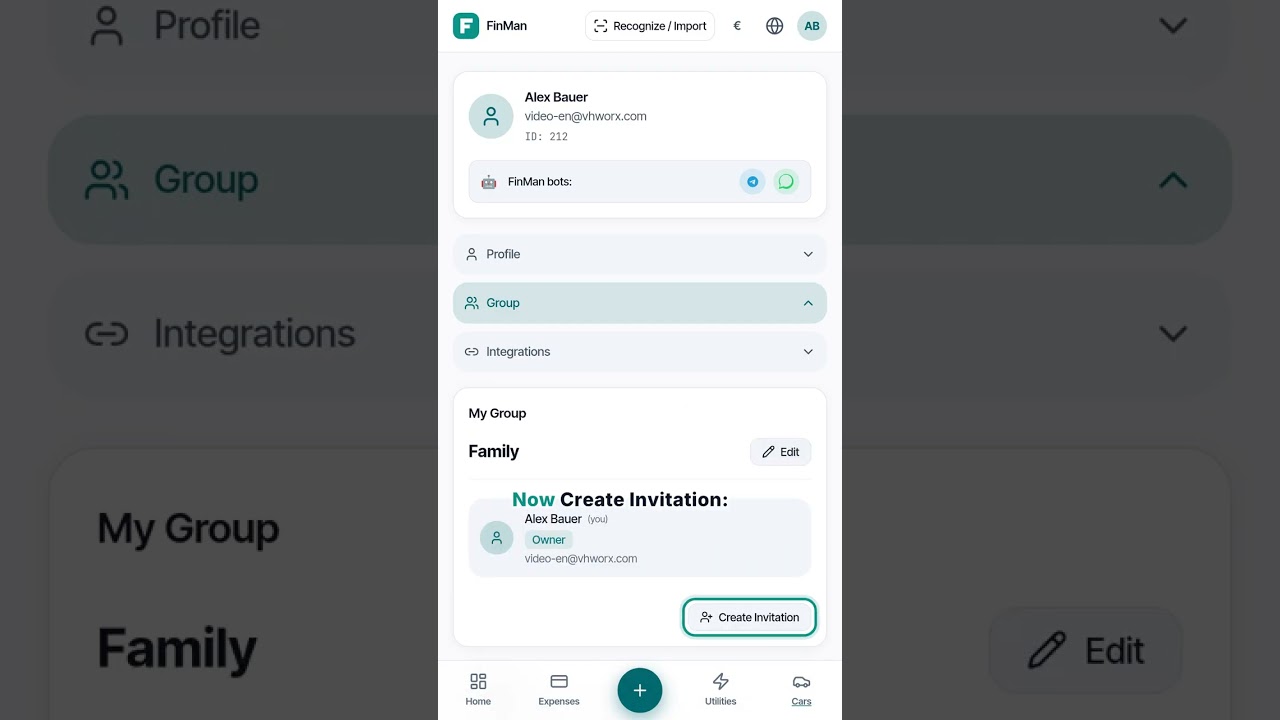
Family budget app: see the whole family's spending in one place
-
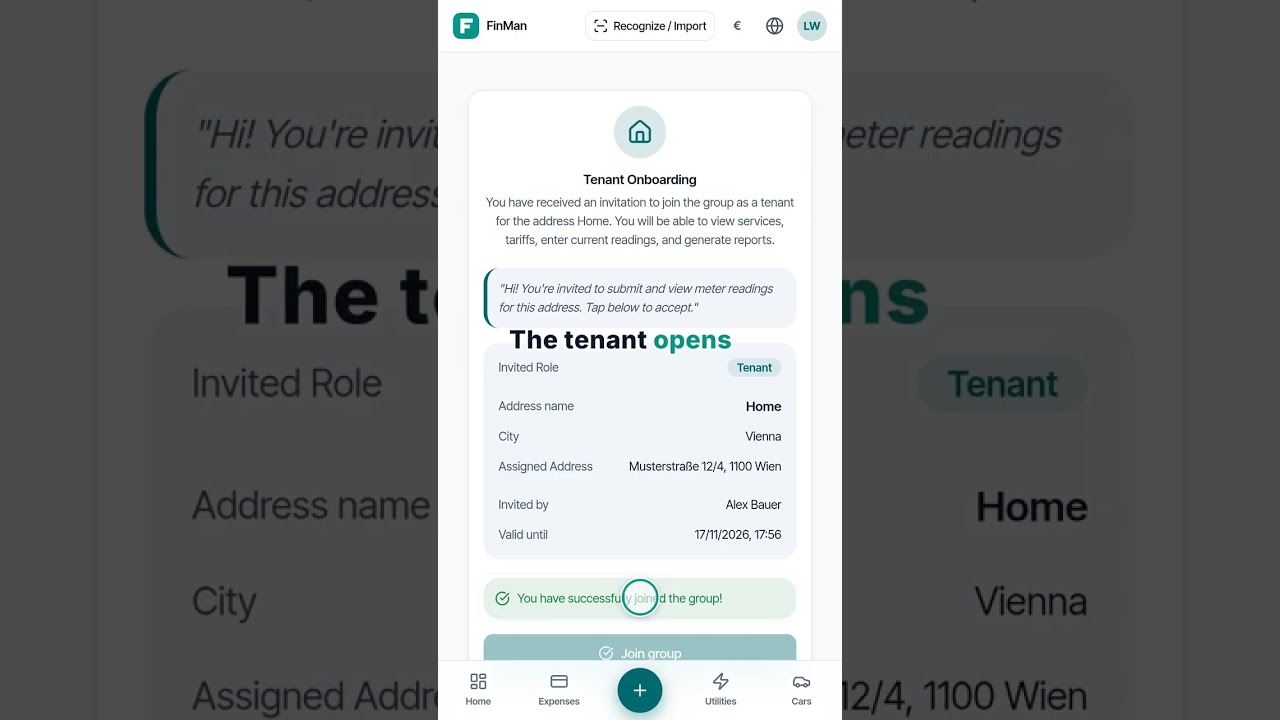
Landlord app: your tenant submits the meter readings, your finances stay private
Starte mit einem Auszug oder einem Foto
Der erste Import dauert eine Minute, ein Zählerfoto zehn Sekunden. Von dort an führt FinMan die Aufzeichnungen selbst.